


Beginner
Construction Estimating Principles & Application

11th November 2025
Course Timing: 4:30pm to 6:30pm BST


The much-awaited Bluebeam Max is finally here, and it's not a rebrand; it's a genuinely new, AI-supercharged product. Six AI-powered features built into Revu: natural-language commands via Claude MCP integration, Smart Review, Smart Overlay, Stitching, Magic markups, and Connected Sessions with Revit. All in one place, at £490/user/year introductory pricing locked through 2027.
Compare Max with your current subscription. If your team is already on Complete, the question is simple: Do you think you need to be more agile to meet the industry's growing demands and expectations? If yes, Max is built for you.
Curious whether Max is worth it for your team? Try it free for 14 days; no card, no commitment.
Click the button below to connect with our Bluebeam experts, and we'll walk you through trial, upgrade options, or multi-user licensing, and help you decide whether Max is genuinely the right move for your team.
Note: The Smart Review feature is currently optimised for US-based vertical commercial construction. If you're keen to understand what's coming for UK-specific support, contact Brighter Graphics for the latest roadmap update.
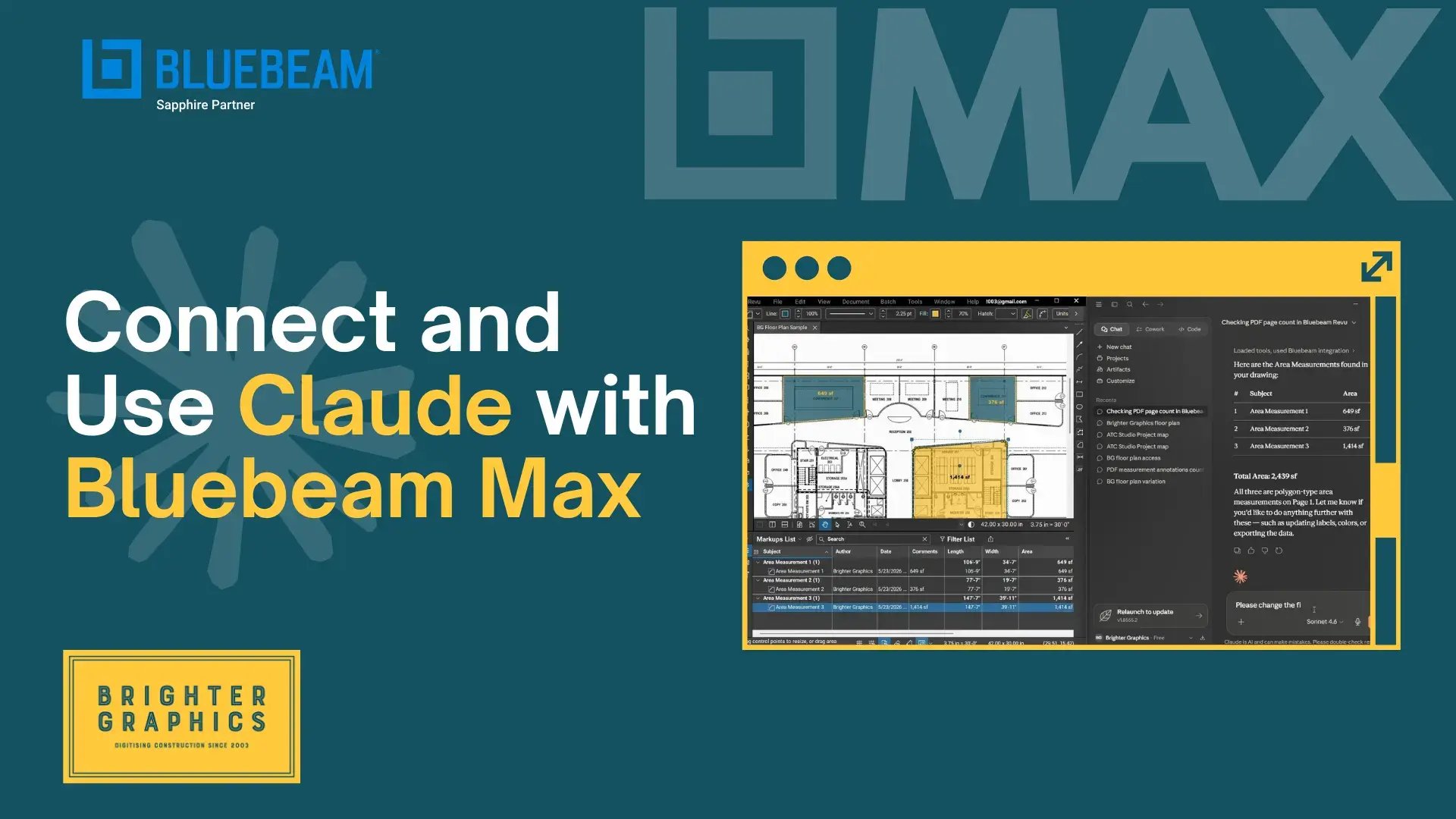
Many users are currently exploring Bluebeam Max and are unsure how to use the new AI features in their existing Revu environment. The notable change is integration with Claude, which unlocks new ways to work and interact with PDFs in Bluebeam Revu.
To use the new AI-powered capabilities, your Revu must be updated to the latest Bluebeam Revu 21.9 or later. This update is required to access all Max subscription features, including AI-powered document interaction through Claude.
Once set up, you can prompt your Claude desktop app to run powerful, multi-step workflows in Revu, analyse PDFs, extract data, generate summaries, manage markups, and support faster decision-making.
We created a guide with a video tutorial that walks you through the complete setup, shows you how to configure Revu and Claude to connect, and explains how to prompt Claude AI to do all the heavy lifting for you.
Click the button below to learn how.

After a stellar event in Washington last year, the tour is going global for 2026, and Brighter Graphics Limited is proud to be a sponsor for the London leg on June 18th!
We’ve got a packed agenda:
Meet the Team: Join our breakout session for an exclusive look at the highly anticipated AI-powered Bluebeam Max.
Thought Leadership: Our CEO, Shan Chaudri, will be joining Arup and the Institute of Civil Engineers (ICE) on a panel to debate "The Role of AI in the AECO Sector."
AI is transforming how we build. Don't miss out on the conversation.
Will we see you there? Scan the QR code above or click the button below to register.

We're excited to announce our partnership with dRofus and dTwin, and together we're bringing something the UK and European AECO firms have genuinely been missing: a connected, end-to-end data stack that takes your project from requirements through to real-time operations.
Here's what that means in practice:
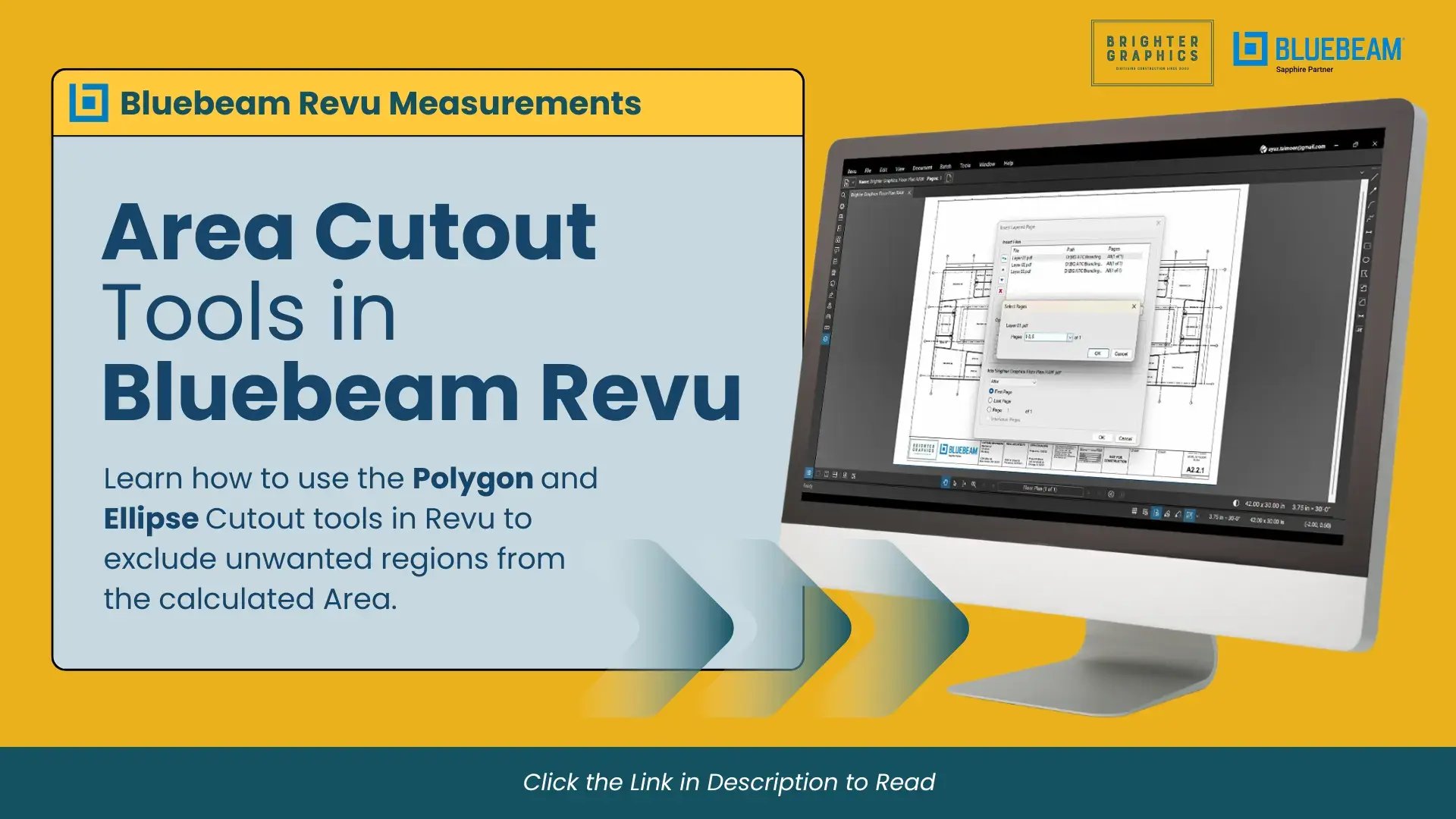
Area Cut-out tools in Bluebeam Revu make quantity takeoffs much smarter and cleaner. Need to exclude columns, stairwells, landscaped sections, or any other space that shouldn’t be included in your area totals? Instead of creating multiple area measurements around unwanted regions, you can simply use the Ellipse or Polygon Cut-out tools - more accurate and a huge time-saver when working with detailed floor plans or estimates.
Read these guides from our Revu Measurement series to learn how to use the polygon and ellipse cutout in Revu 21.
Click the links below to explore:
.webp?width=1280&height=720&name=2K%20Subscribers%20(VIDEO%20THUMBNAIL).webp)
A huge thank you to everyone who’s watched our tutorials, shared feedback, and supported the growing community of Bluebeamers learning and improving together.
What started with a simple goal, making Bluebeam Revu easier and more practical to use, has grown into something we’re genuinely proud of.
From markups and measurements to smarter workflows, we’ll keep sharing tips, guides, tutorials, and product updates to help you work faster and better.
Thanks again for being part of the journey. More great content is on the way.

Following the success of our Bluebeam training, we are excited to take it further by introducing our Autodesk Training Courses.
The programme is designed for professionals who want practical, real-world skills. The training sessions focus on the workflows that teams actually use on live projects. No unnecessary theory, just hands-on learning that helps you work smarter, reduce errors, and collaborate more effectively.
Led by our colleagues and industry-recognised specialists Martin Phelps and Garry Stockton, our training covers AutoCAD, Revit, and Navisworks with clear guidance and structured learning. The course outlines are designed in such a way as to allow you to follow step-by-step instructions, apply your skills through practical exercises, and gain insights drawn from decades of real project experience.
Whether you are onboarding new users or advancing the capabilities of your existing team, click the button below to explore how our Autodesk training helps you and your teams get all the required capabilities and skills to deliver on real project demands.



.svg.png?width=290&height=122&name=Logo_of_YouTube_(2015-2017).svg.png)


You're not alone if you struggle to remember important shortcut keys while using Bluebeam. Keyboard shortcuts can massively speed up your workflow, but they are hard to remember and track when working on a busy project. That’s why we’re excited to offer our Brighter Graphics customers a free mousemat printed with essential Bluebeam shortcut keys. It's a handy, at-a-glance tool on your desk to boost productivity and efficiency with Bluebeam Revu. Contact Brighter Graphics to claim your mouse pad today.



Stay Connected – We Value Your Feedback!
We’ve been working on so many exciting things, and we want you to stay connected as we bring you more valuable Bluebeam insights straight to your inbox.
Your feedback is what helps us improve. As the leading Bluebeam partner, we strive to provide the best experience—whether it's licensing, training, technical support, or onboarding assistance. Let us know what topics you find most useful, what you’d like to see more of, and how we can improve.
By staying connected, you’ll:
✓ Get early access to Bluebeam updates & new features
✓ Enjoy exclusive discounts & promotions
✓ Learn from the best Bluebeam experts at Brighter Graphics
We love Bluebeam and want to help you make the most of it. Stay in touch as your input makes all the difference.
BluebeamMeUp!






2026:
Brighter Graphics retain Bluebeam Sapphire status for 2026
2025:
Brighter Graphics as Bluebeam Sapphire Partner 2025
2024:
Reseller of the Year (Bluebeam) and New Customer Acquisition (Bluebeam)
2023:
Bluebeam: Brighter Graphics Group becomes the largest Platinum Partner in the UK & Europe
2022:
Bluebeam - Highest User Growth EMEA
Bluebeam - Largest UK Platinum Partner
SketchUp - Largest Annual Growth UK
2003:
Bluebeam - 1st Bluebeam Partner UK
Brighter Graphics Limited
Registered in England & Wales.
Unit B Off Edge
Station Approach
Penarth
Mid Glamorgan
CF64 3EE
United Kingdom
Registration No. 0413 2496
VAT No. 763 009 835
: +44 (0) 1342 322 459
: contact@brightergraphics.com


© 2026 Brighter Graphics Limited