


Beginner
Construction Estimating Principles & Application

11th November 2025
Course Timing: 4:30pm to 6:30pm BST

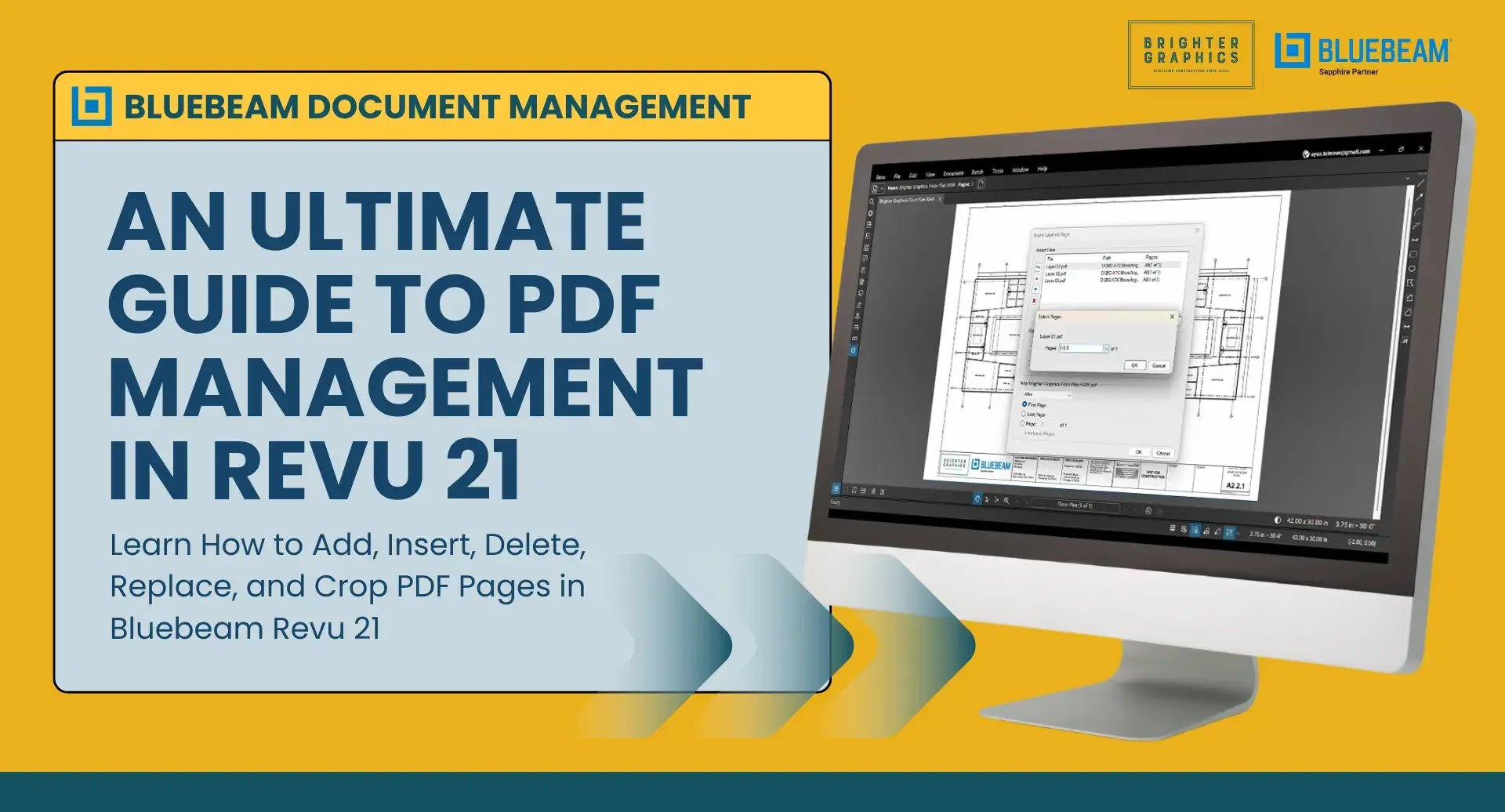
Working with large PDF drawing sets in Bluebeam can quickly become messy if pages are not organised properly.
Need to insert new sheets, remove outdated drawings, replace revised pages, or crop unnecessary white space? We have put together a complete step-by-step guide that shows exactly how to manage PDF pages in Bluebeam Revu 21.
In this ultimate PDF guide, you will learn how to:


If you regularly work with construction drawings, this guide will help you keep your document sets organised and ready for markup and collaboration.
Read the full guide by clicking the button below:

Following the success of our Bluebeam training, we are excited to take it further by introducing our Autodesk Training Courses.
The programme is designed for professionals who want practical, real-world skills. The training sessions focus on the workflows that teams actually use on live projects. No unnecessary theory, just hands-on learning that helps you work smarter, reduce errors, and collaborate more effectively.
Led by our colleagues and industry-recognised specialists Martin Phelps and Garry Stockton, our training covers AutoCAD, Revit, and Navisworks with clear guidance and structured learning. The course outlines are designed in such a way as to allow you to follow step-by-step instructions, apply your skills through practical exercises, and gain insights drawn from decades of real project experience.
Whether you are onboarding new users or advancing the capabilities of your existing team, click the button below to explore how our Autodesk training helps you and your teams get all the required capabilities and skills to deliver on real project demands.


The Sapphire Partner tier represents an elite group of Bluebeam resellers recognised for their sustained investment, exceptional growth, and a consistent commitment to delivering outstanding customer experiences.
Being recognised as a Sapphire Partner for the second year. Click the button below to read and discover what it means and how we can help you in your Bluebeam journey.


.svg.png?width=290&height=122&name=Logo_of_YouTube_(2015-2017).svg.png)


You're not alone if you struggle to remember important shortcut keys while using Bluebeam. Keyboard shortcuts can massively speed up your workflow, but they are hard to remember and track when working on a busy project. That’s why we’re excited to offer our Brighter Graphics customers a free mousemat printed with essential Bluebeam shortcut keys. It's a handy, at-a-glance tool on your desk to boost productivity and efficiency with Bluebeam Revu. Contact Brighter Graphics to claim your mouse pad today.

Bluebeam training with certified experts leads to the more efficient utilisation of Revu and its features, which, in turn, can reduce an 8-hour task to 2 hours or even 15 minutes. Time saved becomes money saved. Accuracy improves. Teams align.
Read our blog to discover why you need experts' guidance to throttle Bluebeam to its full potential and what Brighter Graphics can offer to curious Bluebeamers like you.



Stay Connected – We Value Your Feedback!
We’ve been working on so many exciting things, and we want you to stay connected as we bring you more valuable Bluebeam insights straight to your inbox.
Your feedback is what helps us improve. As the leading Bluebeam partner, we strive to provide the best experience—whether it's licensing, training, technical support, or onboarding assistance. Let us know what topics you find most useful, what you’d like to see more of, and how we can improve.
By staying connected, you’ll:
✓ Get early access to Bluebeam updates & new features
✓ Enjoy exclusive discounts & promotions
✓ Learn from the best Bluebeam experts at Brighter Graphics
We love Bluebeam and want to help you make the most of it. Stay in touch as your input makes all the difference.
BluebeamMeUp!






2026:
Brighter Graphics retain Bluebeam Sapphire status for 2026
2025:
Brighter Graphics as Bluebeam Sapphire Partner 2025
2024:
Reseller of the Year (Bluebeam) and New Customer Acquisition (Bluebeam)
2023:
Bluebeam: Brighter Graphics Group becomes the largest Platinum Partner in the UK & Europe
2022:
Bluebeam - Highest User Growth EMEA
Bluebeam - Largest UK Platinum Partner
SketchUp - Largest Annual Growth UK
2003:
Bluebeam - 1st Bluebeam Partner UK
Brighter Graphics Limited
Registered in England & Wales.
Unit B Off Edge
Station Approach
Penarth
Mid Glamorgan
CF64 3EE
United Kingdom
Registration No. 0413 2496
VAT No. 763 009 835
: +44 (0) 1342 322 459
: contact@brightergraphics.com


© 2026 Brighter Graphics Limited